Park Your Bike in 3 Seconds.
Find available stations nearby, scan the QR code, and your bike is locked. Available on iOS and Android in 9 languages across 30+ countries.
Free to use at most locations worldwide
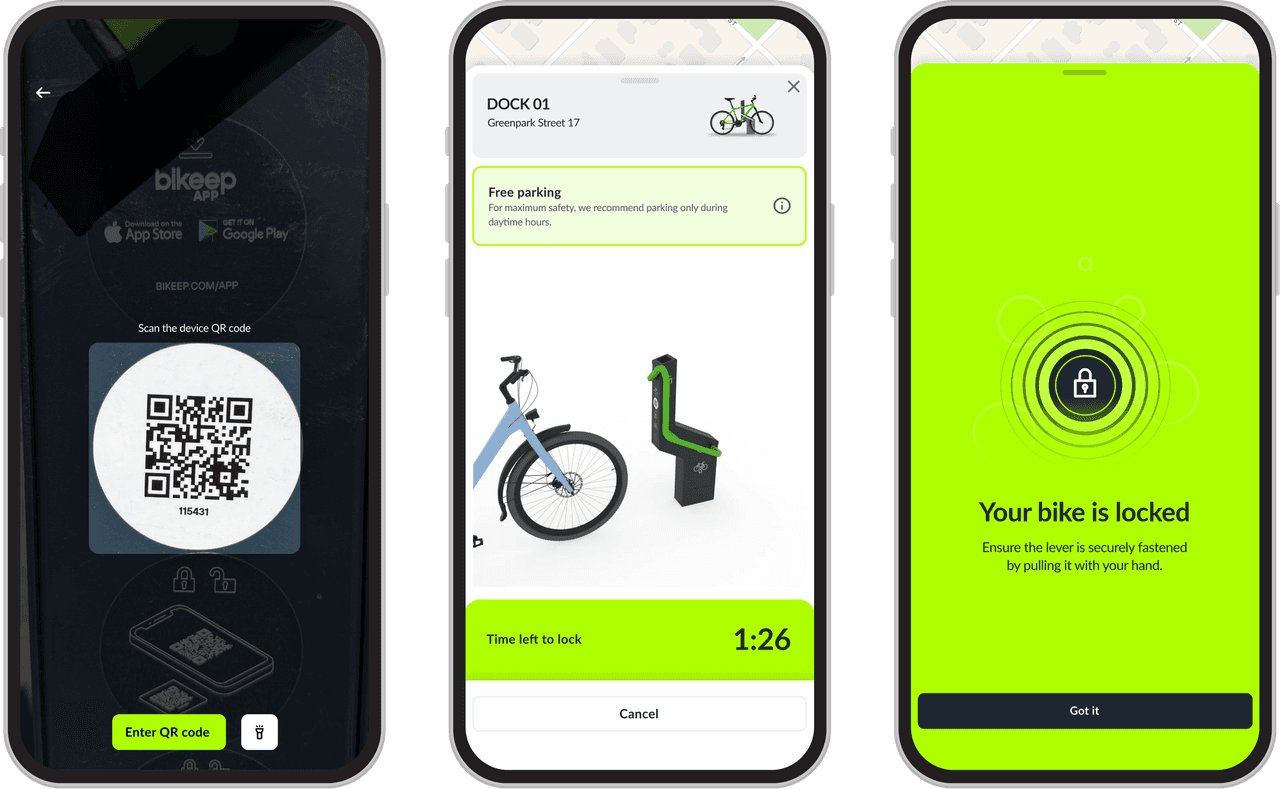
How It Works
Park Your Bike
1
Download the App
Get the Bikeep app from the App Store or Google Play. Create an account in 30 seconds.
2
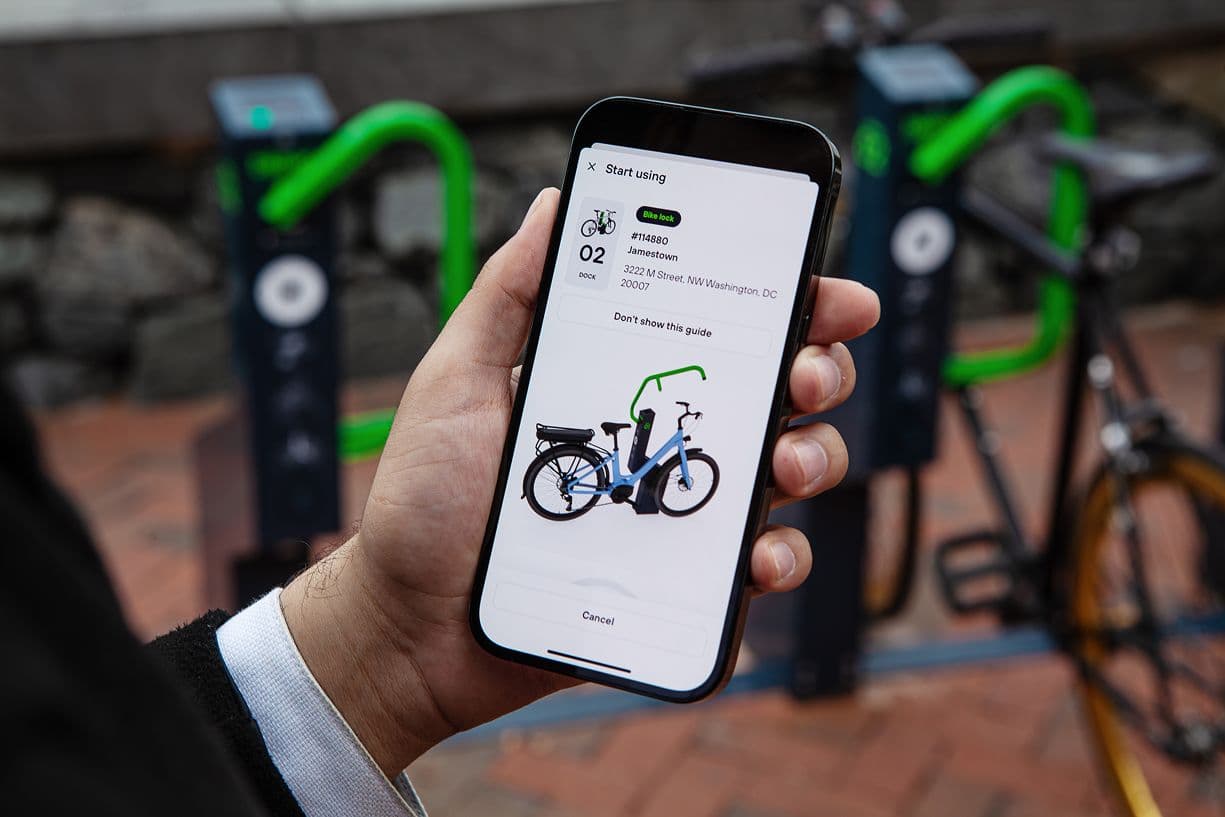
Find a Station
Use the live map to find available stations nearby. See real-time availability, distance, and directions.
3
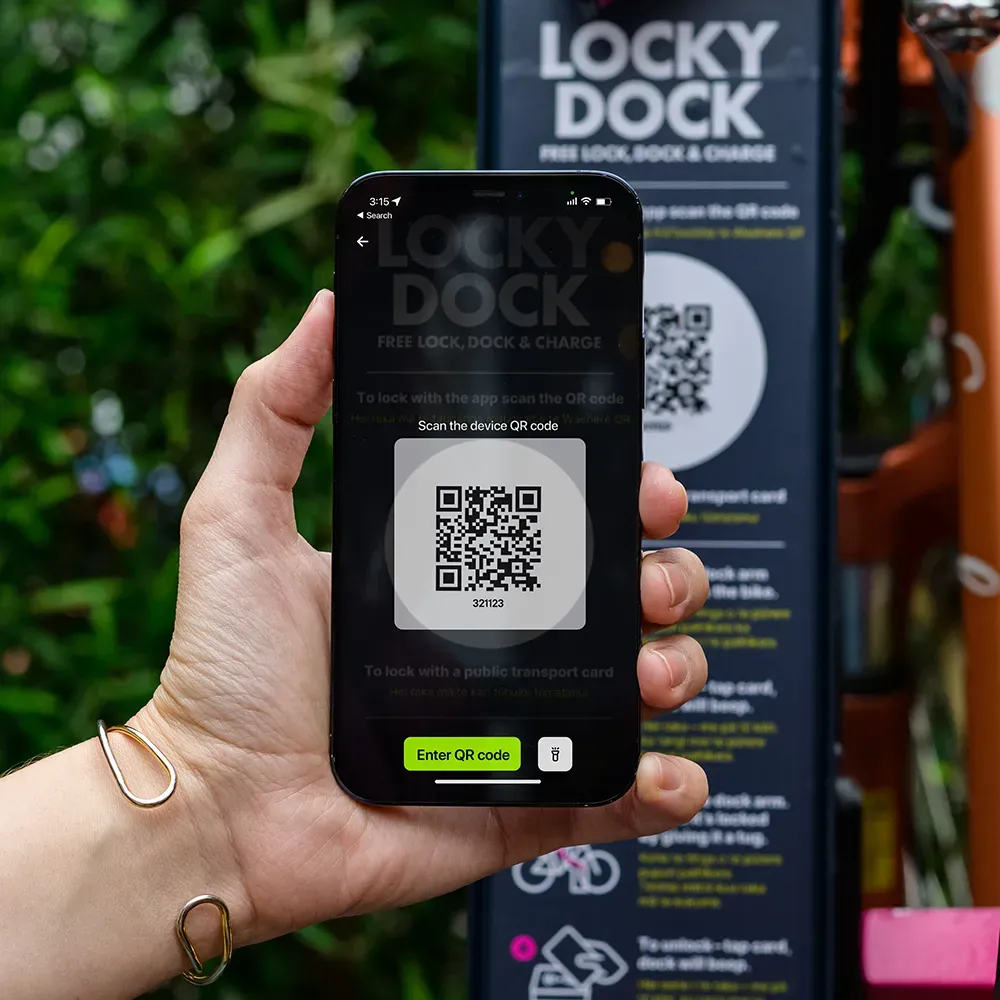
Scan & Lock
Place your bike in an available dock and scan the QR code. Your bike is locked and secure. Walk away.
Unlock & Go
1
Open the App
Your active session is shown on the home screen. Tap to view details or unlock.
2
Unlock Your Bike
Tap the unlock button. The dock releases your bike instantly.
3
Ride Away
Session summary and receipt are generated automatically. You're done.